Edit Like a Wizard
The exact editing system behind our 72-hour bangers.
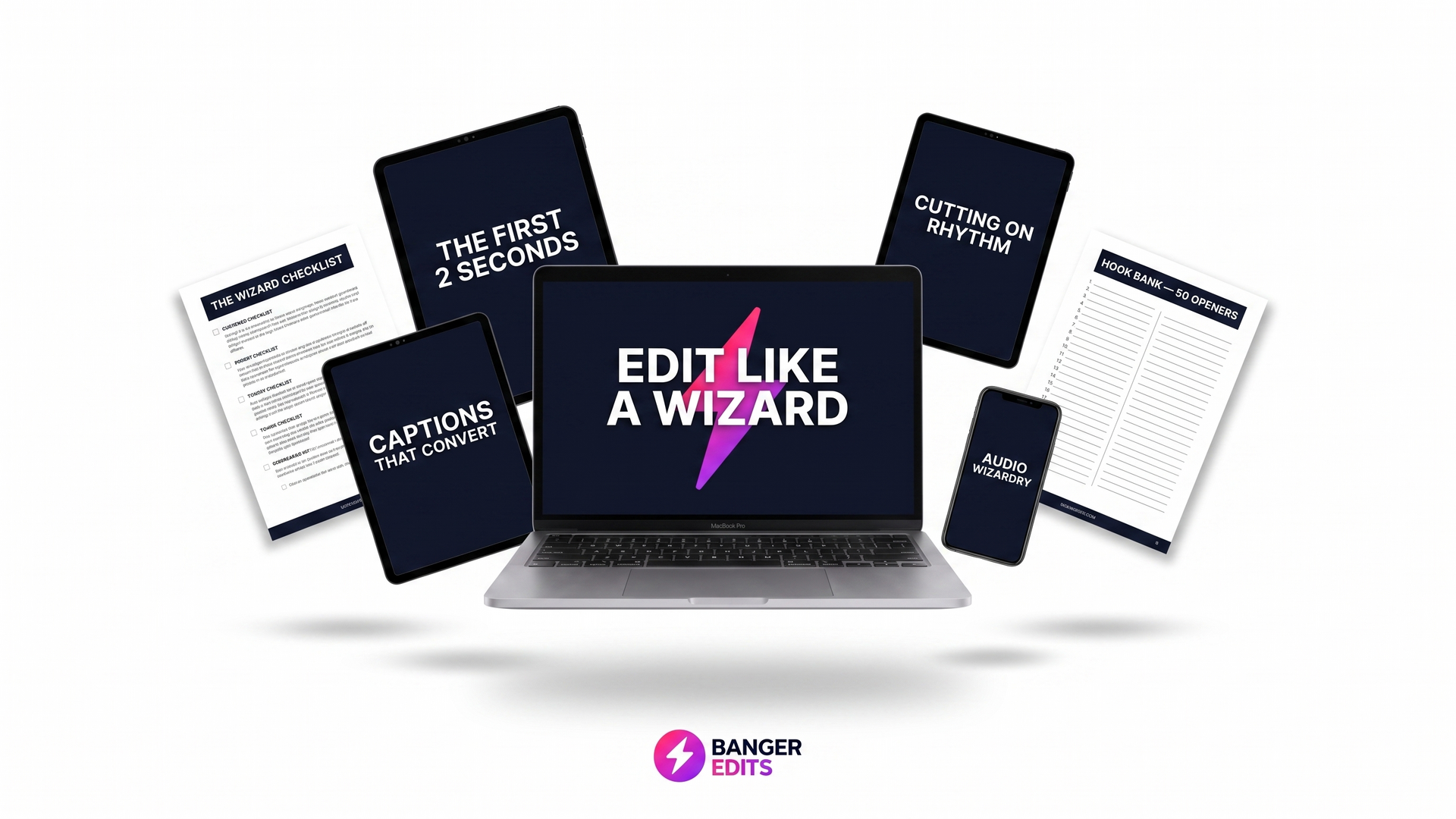
Learn by doing
No theory dumps. Every lesson ends with something you've actually made.
Watch anywhere
Phone, tablet, laptop — your masterclass lives in your portal forever.
Lifetime access
One payment. Every future lesson, template and pack added free.
Built by working editors
The same team that ships 300+ client video edits teaches you the exact process.
Testimonials
What students say.
Inside the system
Learn to create standout video edits like this.
The exact editing system behind our 72-hour client deliveries — broken down step by step inside the Academy.
Hook the viewer in 3 seconds
The opening frames that stop the scroll and keep people watching past the 3-second drop-off.
Pacing that holds attention
Cut to the beat, kill the dead air, and build momentum so the viewer never checks out.
Sound design & music selection
Pick tracks that fit the vibe, layer SFX, and use audio to drive emotion — not just fill silence.
Captions & graphics that pop
Motion typography, branded lower thirds, and the graphic treatments clients actually pay extra for.
Colour grade with LUT packs
Apply the same LUTs our team uses and learn when to tweak them so every shot sings.
Export settings for every platform
The right codecs, aspect ratios and upload settings for TikTok, Reels, YouTube and ads.
About this masterclass
A start-to-finish masterclass on the editing craft we use on every BANGER EDITS delivery — story structure, pacing, sound design, captions, colour and the finishing touches that make a cut feel expensive.
What you'll learn
Curriculum
10 lessons · 10+ hours · opens 27 September 2026
- 01The Wizard MindsetEditing is decisions, not effects. Learn the 96% deletion rule and why restraint beats flashy transitions every time. 12m
- 02The First 2 SecondsHooks, opening frames, and starting mid-action. Our best-performing content topic — broken down so you can apply it to every edit. 14m
- 03Cutting on RhythmBeat-matching, J/L cuts, and why pace is felt, not seen. Make your edits move with the music. 13m
- 04Captions That ConvertThe 3-word rule, beat timing, safe zones, and styling that keeps viewers reading instead of skipping. 11m
- 05Audio WizardryThe -20db music bed, killing dead air, and layering sound design so your edits feel cinematic. 12m
- 06Colour That Doesn't Look Like a FilterA simple grade workflow that makes footage look expensive without the over-processed filter look. 13m
- 07The Retention EditPattern interrupts, b-roll logic, and the binge test — how to keep viewers watching to the end. 14m
- 08Editing Talking HeadsPunch-ins, breath cuts, and energy management so talking-head content never drags. 12m
- 09Rescuing Bad FootageStabilise, crop, cutaways — the tricks that save shoots when the footage isn't perfect. 11m
- 10Speed: Edit in Half the TimeHotkeys, templates, and batch workflows so you can edit faster without losing quality. 12m
- 11Export Settings That Keep QualityThe right codecs, bitrates, and upload settings per platform so your work looks sharp everywhere. 10m
- 12Your First Wizard EditFinal assignment: complete a full edit start to finish using the entire Wizard system. 20m
FAQ
How it works
- 1
Enroll securely
One-time Stripe payment. No subscription, no drip-feed.
- 2
Secure your place
Your login arrives straight away. The course starts 27 September 2026.
- 3
Learn for life
10 lessons, 10+ hours, bonuses and all future updates included.
Bonuses included with every masterclass
Signature LUT packs
The exact colour grades we use on client video edits — drag, drop, done.
Reach-out templates
Cold DMs, emails and follow-ups that actually get replies and land paid work.
Private WhatsApp group
Direct line to the team and other creatives. Ask anything, share work, get feedback.
Event access
Invites to BANGER EDITS meet-ups and creator events as they drop.
Live workshops & Q&As
Regular live sessions with working creators — bring your edit, get it torn apart.
Lifetime updates
Every new lesson, template and pack added to your course, free forever.
Pair it with
The other masterclass
Most students take both — one sharpens your craft, the other fills your calendar.
BOOKED: How Creatives Get Clients
$97Turn your craft into a booked-out creative business.
- Position your service so the right clients instantly understand what they're buying
- Build a small, binge-worthy portfolio that books better than 50 random pieces
- Send personalised outreach that gets replies using the VA DM system
- Price with confidence: day rates, packages and per-deliverable rates that protect your time
Ready to level up?
Starts 27 September 2026. $97 once, with lifetime access and every bonus included.
Limited spaces available · or both masterclasses for $129 — save $65.